Google review card
Happy customers. One tap. A review on Google.
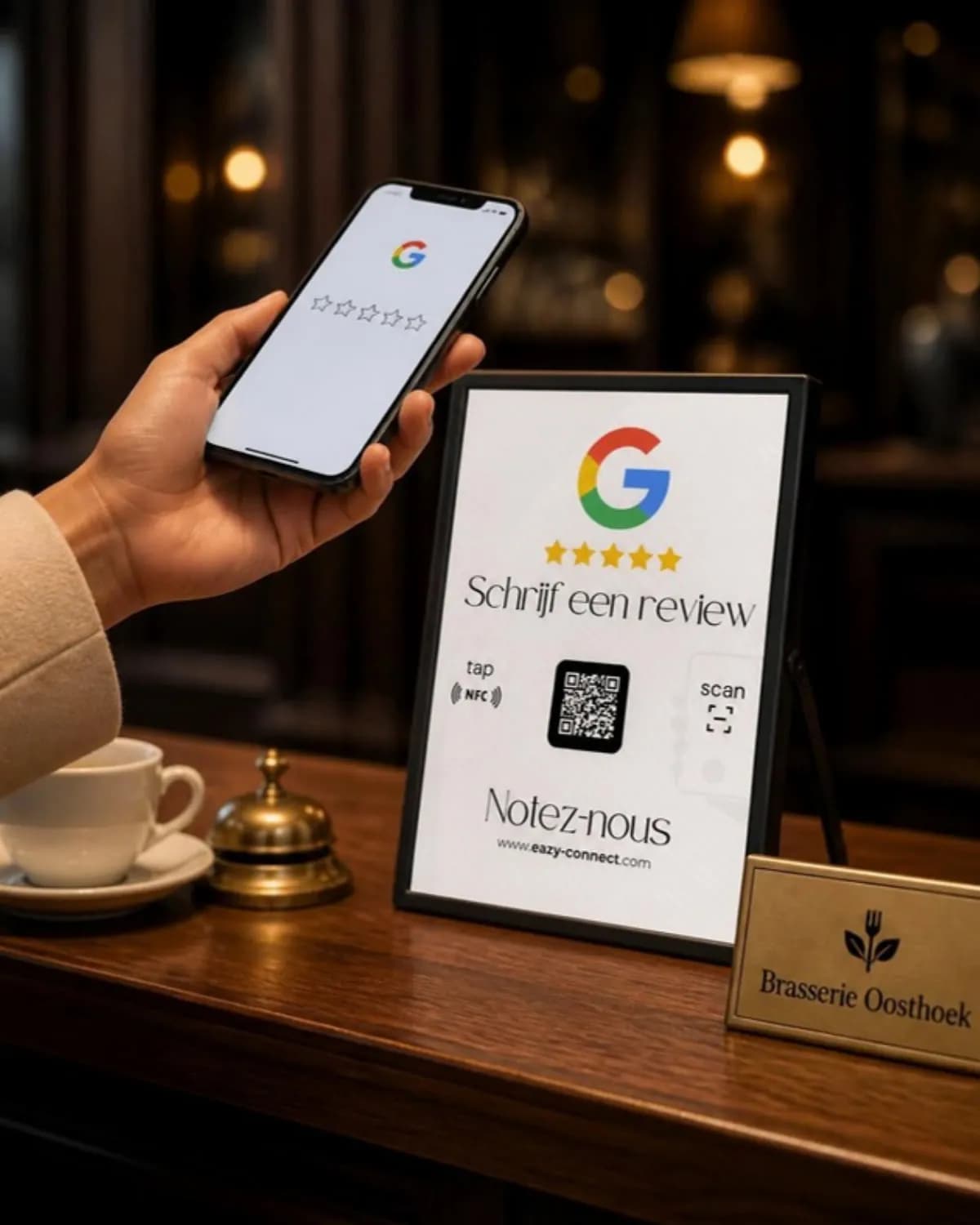
A stand on the counter or a tag by the till. Your customer holds their phone against it or scans the QR code, and your business’s review window opens. No searching, no typing your business name.
Why happy customers rarely leave a review
A customer pays, says it was lovely and leaves. At home they think: ‘I should leave them a review.’ But that means opening Google, searching for your business, finding the right location and then the review button. Two steps too many, and the moment is gone.
Unhappy customers do find their way. That is why a Google profile without a nudge often gives a skewed picture of your business. A review card removes that hurdle while the customer is still at your counter.
How it works
- 1
Your customer taps or scans
They hold their smartphone against the stand or tag (NFC), or scan the QR code on the stand.
- 2
Your review page opens
Straight to the review window of your Google Business Profile, in the browser. No app to install.
- 3
Stars and a sentence
Your customer picks the stars, writes what they like and posts. Done in thirty seconds.
Stand or tag?
Google Review Stand
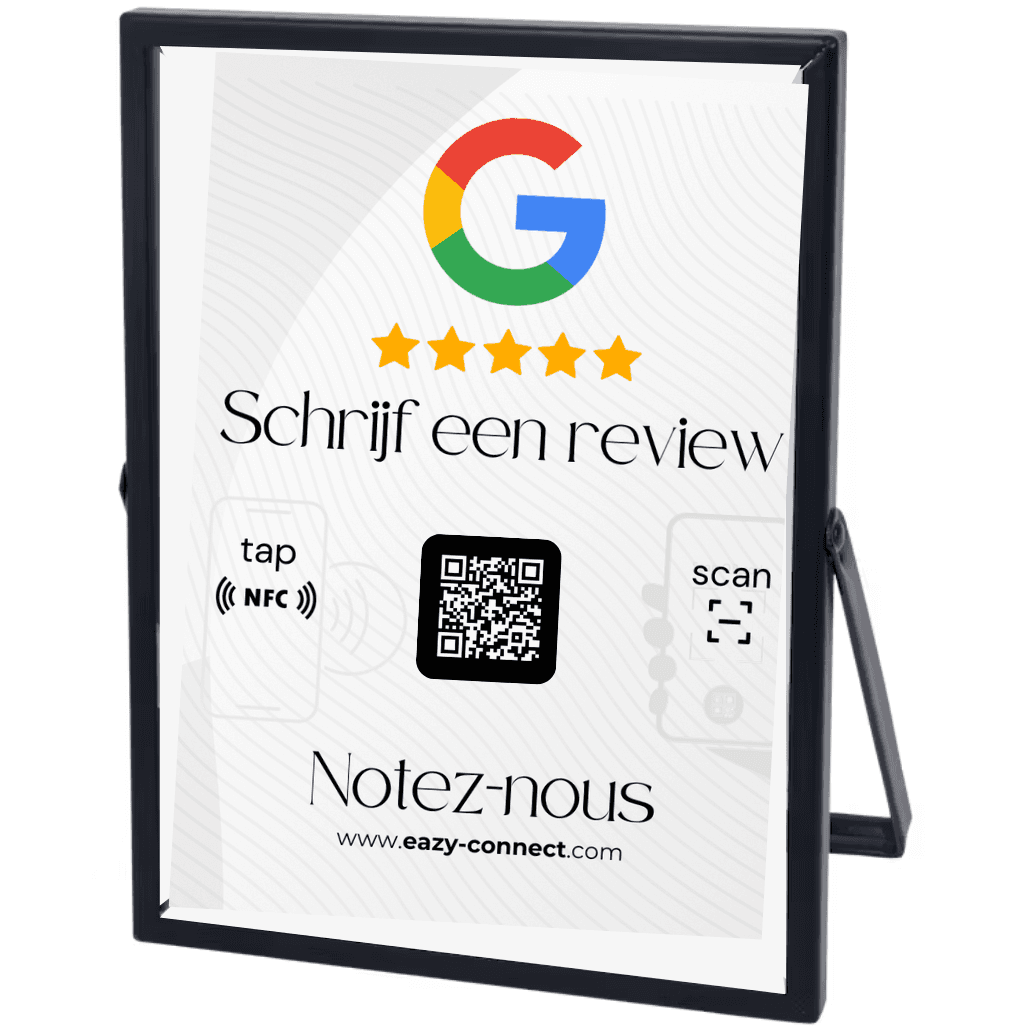
€ 54,00A stand for the counter, reception desk or table. It stands out and explains itself.
- NFC and QR code: also works with older phones
- Upright and visible to every customer
- Ideal for hospitality, salons and shops
Google Review Tag
€ 20,00A compact NFC tag you stick where customers already take out their phone.
- Small and discreet
- On the till, the menu or the payment terminal
- Handy in the van or on site too
Who is it for?
Restaurants & cafés
On the table or by the till, when the bill arrives.
Hairdressers & beauty salons
At reception, while the next appointment is booked.
Shops
Next to the payment terminal, where every customer pauses for a moment.
Garages & tradespeople
The tag in the van or on the invoice folder, after a job well done.
Frequently asked questions
Does a Google review card work on iPhone?
Yes. iPhones from the XS onwards and most Android phones read NFC without an app: the customer just holds their phone against it. For older phones or when NFC is off, the stand also has a QR code any camera can scan.
Is this allowed by Google?
Yes. Google allows you to ask customers for a review and to make it easy for them. What is not allowed: offering a discount or gift in exchange for a review, or only asking happy customers. The stand does neither: it simply opens your review page, for anyone who wants to.
Does my customer need to install an app?
No. The review page opens in the browser, or in Google Maps if it is installed. To post a review your customer does need to be signed in with a Google account, as with any Google review.
What is the difference between the stand and the tag?
The stand has NFC and a QR code and stands upright so customers notice it. The tag is a small NFC sticker without a QR code, for places with little space or where you point it out yourself.
How does my review page get onto the stand?
The stand and the tag are linked to the review link of your Google Business Profile. After you order, we get in touch if we still need that link.
Do I need a Google Business Profile?
Yes. Customers can only review a business that has a Google Business Profile. If you don’t have one yet, you can create it for free at business.google.com.
Questions about a larger order or several locations? Get in touch, we reply within 24 hours. info@eazy-connect.com